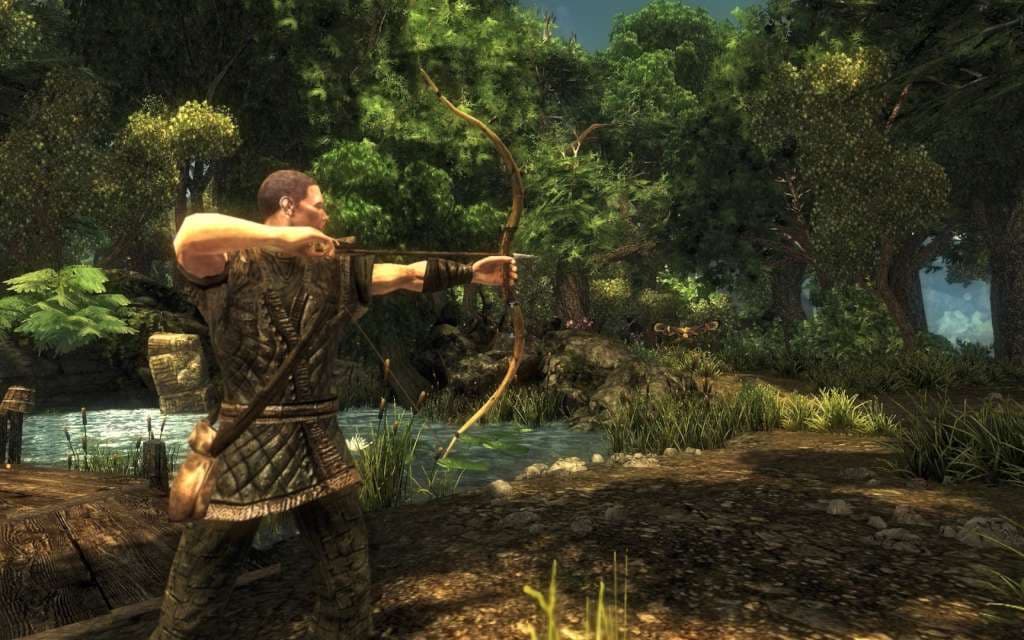
Risen GOG CD Key
在您所在地区可用
中国
即时发货 · 密钥更换
已验证适用于 China · 人工客服
描述
升起GOG键平台:蒸汽发布 日期:2009年10月30日 产品描述 法兰加岛需要一个新的英雄,你! 进入一个粗糙的 原始的 和大气的幻想世界 在其中 每一件事都有后果。 在史诗般的"隆起"世界中,充满了神秘的地震,可怕的怪物和难以想象的宝物,用剑塑造出你的行道,学习了幕僚相斗的艺术或者成为了强大的魔王. 无数的侧面探索 和生物发现。 超过60小时的"Immersive"开放世界游戏. 改变这个岛的命运 通过你的行动。 系统要求 OS:Windows XPTM(带有Service Pack 3) 处理器:2 GHz Intel® Pentium TM 4 单核处理器内存:1 GB RAM 图形:256 MB Direct XTM 9.0 c相容图形卡(n Vidia® Ge Force® 7900/ATI Radeon TM X 1800或更佳) 直接QQ: Direct XTM 9.0 c相容图形卡驱动程序 硬盘:2.5 GB自由硬盘空间 声音:100% Direct XTM 9.0 c相容相容相容相容相容的相容相容相容相容卡控制器支持键盘,鼠标
详情
- 平台
GOG · PC
- 产品类型
- CD_KEY
- 地区
- GLOBAL
- 类型
- RPG
- 开发商
- Piranha Bytes
- 发行商
- Deep Silver
- Metacritic评分
- 77/100
- 语言
- 5


如何在以下平台激活您的密钥 GOG
In order to redeem the GOG code please follow the instructions below: 1.
Please create an account or login on www.gog.com 2.
Go to www.gog.com/redeem 3.
Enter the code and then press "CONTINUE" 4.
After a short amount of time you will see the details about the product, please press "CONTINUE" again. 5.
Download and install the GOG.com downloader 6.
Login to the software and get back to the product page 7.
Go to www.gog.com/account and look for the "Games" tab. 8.
Press the box of the product you want to download. 9.
Activate the GOG.com Download Mode on the right side of product menu.
Choose the installation package from the list and save it with the GOG Downloader.