即时发货 · 密钥更换
已验证适用于 China · 人工客服
描述
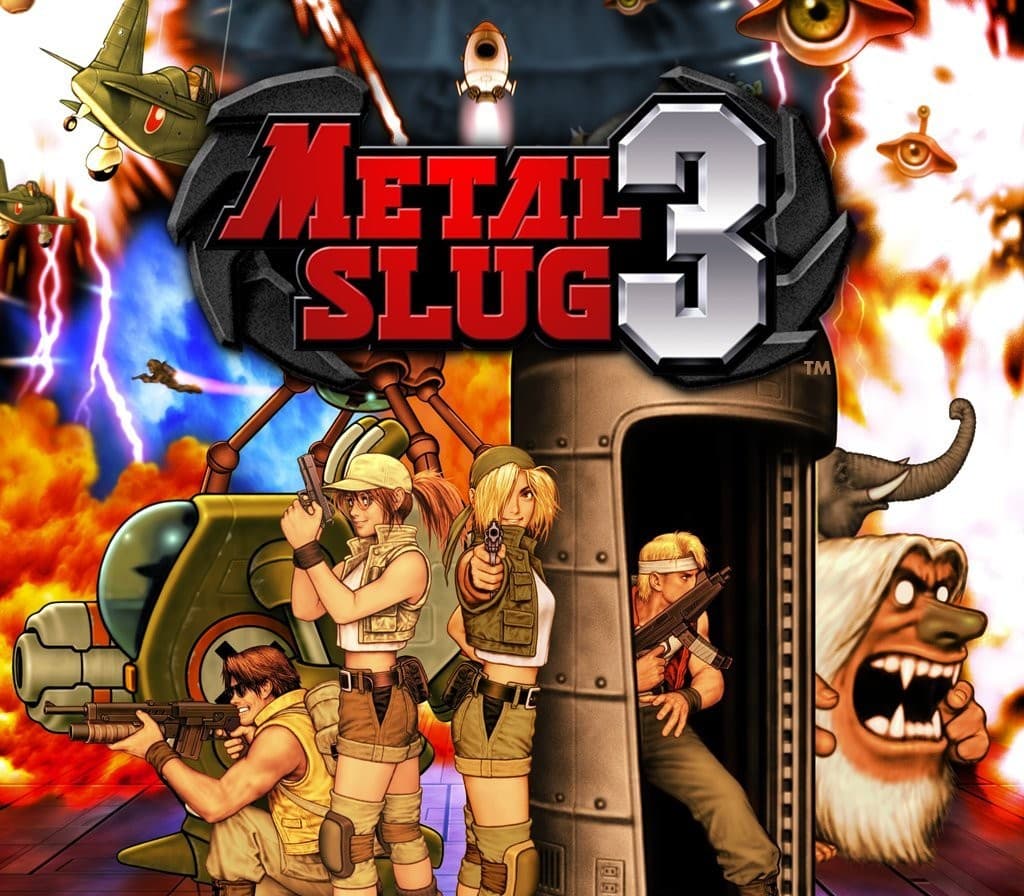
"METAL SLUG 3"是SNK的标志性2 D跑跑和枪械动作射击游戏系列的杰作,至今仍然因为其复杂多变的点像素图形以及简单而直观的游戏控制而不断吸引了全世界数以百万计的粉丝! "金属滑冰"系列粉丝中最受好评的称号因其精细的平衡和游戏量而出道于Steam游戏平台!. 从一开始就播放“METAL SLUG 3”的街机版, 冲出大火之地 打败大老板 随心所欲地播放你最喜欢的舞台, ONLLINE MULTIPLAYER:CONLINCT去Steam,通过Online Co-Op Play与远方的朋友清除任务. 找一个同胞或外国盟友,让任务开始!
SETTINS:配置显示,控制和语言设置. 查看已解锁的游戏原作插图.
LEADERBOARDS随时检查您在"METAL SLUG 3"中的当前军衔和分数,并与其他球员竞争成为世界一号战士!
详情
- 平台
Steam · PC
- 产品类型
- CD_KEY
- 地区
- GLOBAL
- 类型
- Action
- 开发商
- Nazca Corporation
- 发行商
- SNK
- 发行日期
- 2014/2/14
- 语言
- 7


系统要求
Windows
- OSWindows Vista, 7, 8This game is not compatible with Windows XP! Processor: Pentium 4 2.4Ghz Memory: 1 GB RAM Graphics: Intel HD Graphics DirectX: Version 9.0c Storage: 500 MB available space
如何在以下平台激活您的密钥 Steam
"Please remember that we are NOT responsible for any problems that may arise from purchasing and using Steam Gifts.
You are doing it at your own risk.
"Please note, that due to recent Valve Steam Gift policy update Steam Gifts for games that are covered by VAC ban program can no longer be added to Inventory.
Make sure that you are logged in to the proper account before entering the link as Steam Gifts can be only added to your library or rejected.
How do I use a Steam gift given to me?
If you do not already have Steam, download and install Steam here.
Once you have Steam installed, you will be prompted to create an account or login to an existing Steam account.
If you do not have an account, please create one.
You will receive an e-mail containing a link that will open Steam allowing you to redeem your gift.
After clicking the link, you will receive a notification at the top right corner in the Steam client informing that you have a new gift.