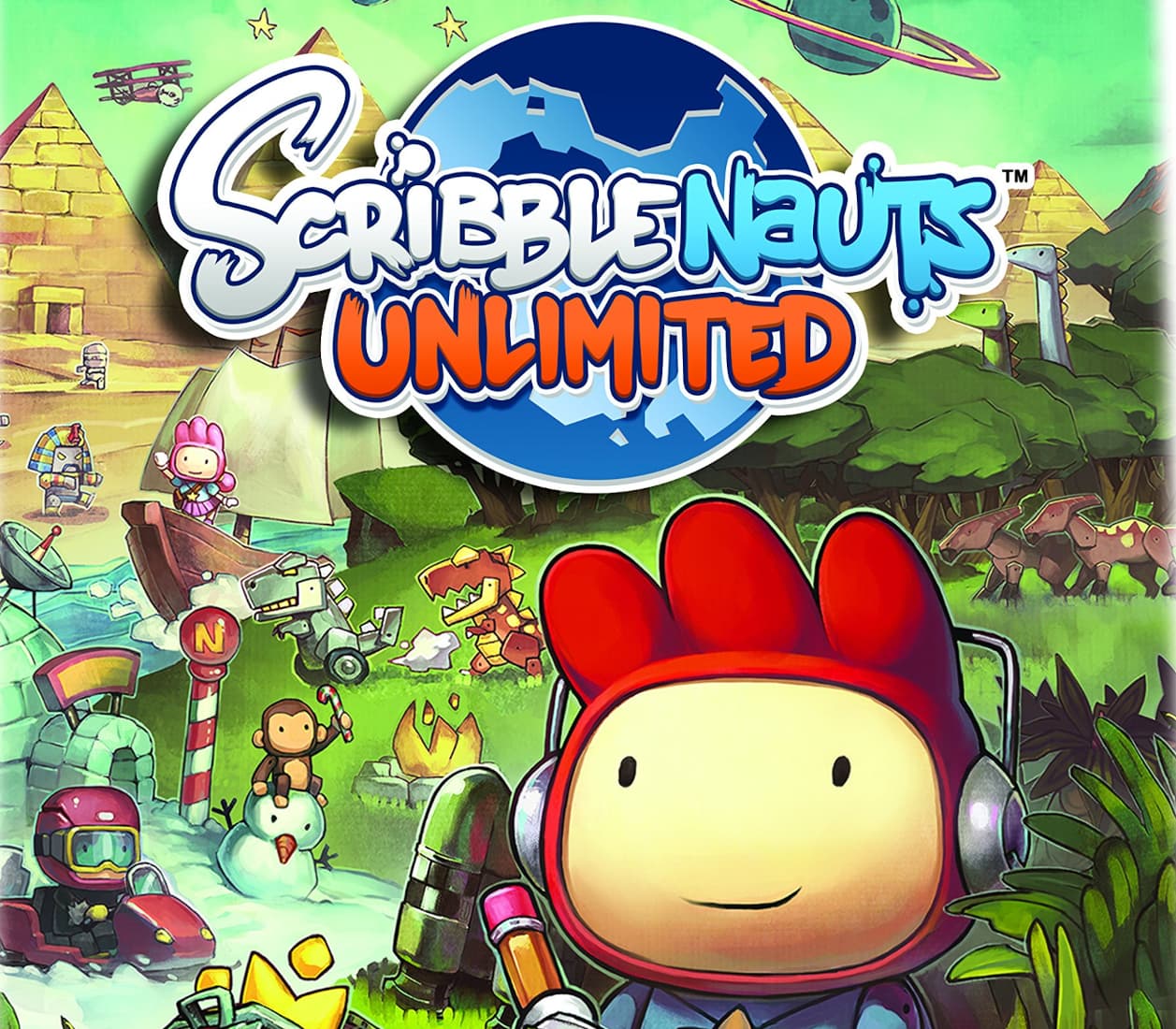
Scribblenauts Unlimited PC Steam Gift
在您所在地区可用
中国
即时发货 · 密钥更换
已验证适用于 China · 人工客服
描述
最畅销、获奖的特许经营权又回来了, 冒险进入一个开放的世界 在那里最强大的工具就是你的想象力 帮助马克斯韦尔通过召唤任何你能想到的物体,在无缝,自由行的级别上解决强力谜题. 创建你自己的原始对象,指定独特的属性,并利用Steam工作坊在线与好友分享——用于游戏中或任意作进一步修改! 第一次学习有关麦克斯韦的父母,41个兄弟姐妹(包括他的双胞胎妹妹莉莉)的后传故事,以及他是如何得到他神奇的音符的. 地物对象创建者:创建原始对象,指定独特的属性,并与其他玩家在线分享. 在游戏中使用它们或随意修改它们!
All-New Unbound World:探索一个开放的宇宙,以无限小时的乐趣使用每个关卡作为你的游乐场.
Object Library:在Maxwell's Magic Backpack中存储先前被传召的对象和您自己的创作,以便于访问和将来使用. 功绩板:每个世界都有一个全面的提示列表,包括新的"星际视野"帮助者,强调所有相邻的星相和星相的硬块.
详情
- 平台
Steam · PC
- 产品类型
- CD_KEY
- 地区
- GLOBAL
- 类型
- Adventure, Strategy
- 开发商
- 5th Cell Media
- 发行商
- Warner Bros. Interactive Entertainment
- 发行日期
- 2013/2/15
- Metacritic评分
- 75/100
- 语言
- 7


系统要求
Windows
- MinimumOS *: Windows XP or higher Processor: AMD Atholon 64 X2 Dual-Core 4000+ or better / Intel Core 2 Duo Processor 2.0GHz or better Memory: 2 GB RAM Graphics: ATI X1800 or better / nVidia 7800 or better / Intel 4100 or better. 256MB Video RAM. Shader 3.0 or better DirectX®: 9.0c Hard Drive: 2 GB HD space Other Requirements: Broadband Internet connection
如何在以下平台激活您的密钥 Steam
"Please remember that we are NOT responsible for any problems that may arise from purchasing and using Steam Gifts.
You are doing it at your own risk.
"Please note, that due to recent Valve Steam Gift policy update Steam Gifts for games that are covered by VAC ban program can no longer be added to Inventory.
Make sure that you are logged in to the proper account before entering the link as Steam Gifts can be only added to your library or rejected.
How do I use a Steam gift given to me?
If you do not already have Steam, download and install Steam here.
Once you have Steam installed, you will be prompted to create an account or login to an existing Steam account.
If you do not have an account, please create one.
You will receive an e-mail containing a link that will open Steam allowing you to redeem your gift.
After clicking the link, you will receive a notification at the top right corner in the Steam client informing that you have a new gift.