The Sims Medieval EN Language Only EA App CD Key
Funziona nella tua regione
Italia
Consegna istantanea · sostituzione chiave
Verificato per Italy · supporto umano
Descrizione
Descrizione in inglese
I Sims tornano indietro nel tempo e diventano medievali!
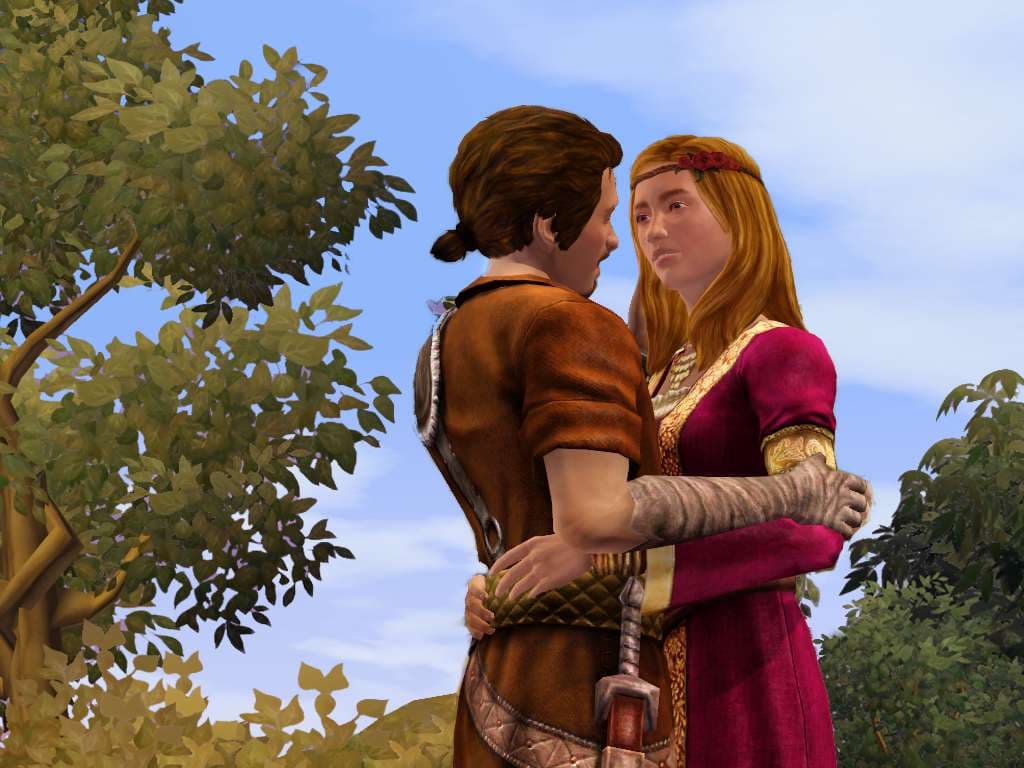
The Sims Medieval porta The Sims nel Medioevo con tutte le nuove funzionalità, nuove grafiche e nuovi modi per giocare.
Per la prima volta, i giocatori possono creare eroi, avventurarsi in missioni, e costruire un regno.
In una terra antica di avventura, dramma e romanticismo, i giocatori saranno in grado di ottenere medievale come mai prima.
Caratteristiche Un mondo vivente di Sims in un'epoca di avventura, dramma e romanticismo Grafica avanzata, illuminazione, animazioni e più realistici Sims Creare eroi, costruire le loro abilità e inviarli su missioni epiche Quests guidare la storia del tuo regno - Buono o male, crudele o gentile, romantico o bellico Ambitions Regno - Scegli un obiettivo ambizioso per il tuo regno e il lavoro per raggiungerlo.
Il tuo regno sarà il più ricco, più illuminato, un conquistatore o un pacificatore?
La scelta è tua.
Dettagli
- Piattaforma
EA App · PC
- Tipo di prodotto
- CD_KEY
- Regione
- GLOBAL
- Genere
- Life Simulation
- Sviluppatore
- Magic Pockets
- Editore
- Electronic Arts, Inc.
- Data di Uscita
- 09/05/2013
- Punteggio Metacritic
- 77/100
- Lingue
- 1

Requisiti di Sistema
Windows
- OSWindows XP, Vista or Windows 7, with the latest Service Pack Processor: 2.0 GHz P4 processor or equivalent for Windows XP; 2.4 GHz P4 processor or equivalent for Windows Vista or Windows 7 Memory: 1GB RAM for Windows XP; 1.5GB RAM for Windows Vista or Windows 7 Hard Disk Space: At least 5.3 GB of hard drive space with at least 1 GB of additional space for custom content and saved games Video Card: A 256 MB Video Card with support for Pixel Shader 2.0 Sound: DirectX 9.0c
Come attivare la tua chiave su EA App
In order to redeem the code follow the instruction below: Go to www.thesims3.com and make an account if you do not already have one.
If you already have an account, skip to step 2.
If you already have an Origin account, please use the same email and password to register on www.thesims3.com.
Once you are a registered member of www.thesims3.com, login to your account so that you can then register your game codes.
Click on the My Page tab.
Then click the My Account tab.
Click on Register a Game.
Enter the product code for the expansion pack or stuff pack.
Click the green Register button.
If the method above won't work, please follow the instruction below: If you have not done so already, create your free Origin/EA account on www.origin.com.
Log in to the Sims 3 community website using your Origin email and password.
If you are logging in for the first time, use your provided key for the Sims 3 base game during the registration process.
To redeem the games on your Sims 3 account select "My Page" -> "My Account" -> "Register a Game" Enter your 20-character key for The Sims 3, Late Night Expansion, or High End Loft Stuff.
(note, if you entered the The Sims 3 base game code in step 2, you don’t need to re-enter it here) That's it!
The Games will automatically be added to your Origin account, and can be accessed and downloaded through the Origin client.