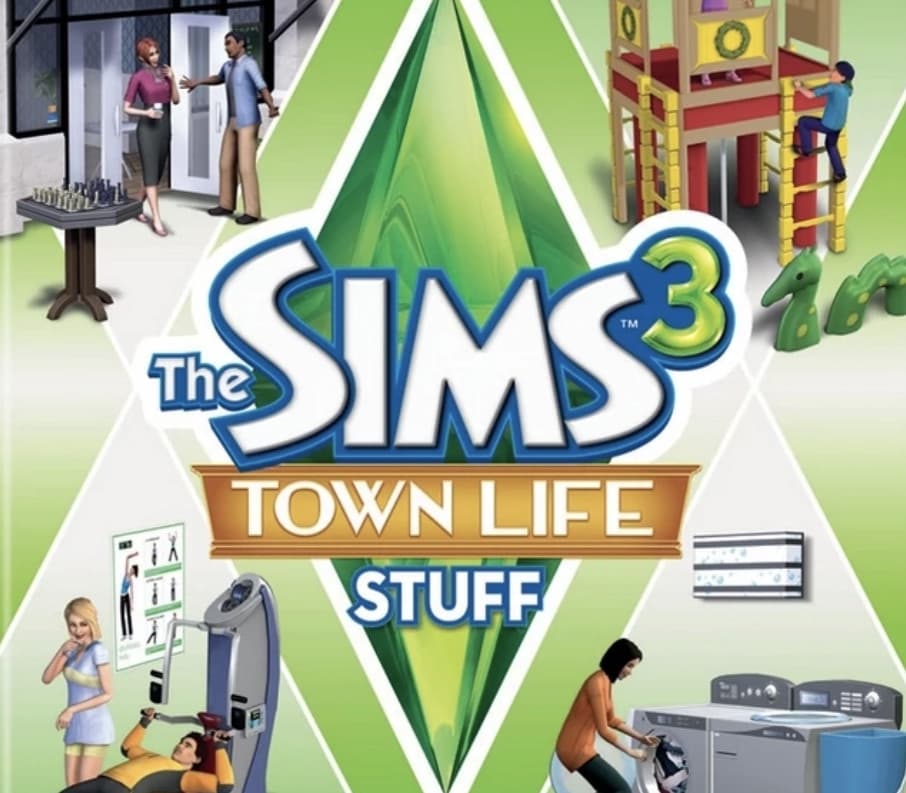
The Sims 3 + Town Life Stuff Pack Bundle EU PC EA App CD Key
Türkiye için etkinleştirilemez
Avrupa bölgesinde etkinleşir
Anında teslimat · anahtar değişimi
Turkey için doğrulandı · insan desteği
Açıklama
Ekleniyor: Base oyun Town Life Things, Sims' mahallelerinizi ve evlerinizi yeni mekânlar ve eşyalarla güçlendirin!
Bir Şeyler Paketinde daha önce hiç görülmeyen heyecan verici içerikle, Sims 3 Town Life Things*, Sims'in bütün kasabanızı bir makyaj vermek için yeni mekanları tanıtıyor - evleri için mükemmel nesnelerle tamamlanıyor.
Bir chic yeni kütüphane inşa edin, özel, yüksek teknoloji sporu oluşturun, eğlenceli bir oyun tasarlayın veya yeni bir çamaşır odası ile bir zevk yapın.
Sims 3 Town Life Things sadece evde kullanmak için yeni ilham verici tasarım yüklerini vermiyor, ancak Scrumptious Nibbles Cafe gibi yeni topluluk yerlerini içeriyor!
Detaylar
- Platform
EA App · PC
- Ürün türü
- CD_KEY
- Bölge
- EU
- Tür
- Life Simulation, Simulation
- Geliştirici
- The Sims Studio
- Yayıncı
- Electronic Arts
- Çıkış Tarihi
- 26.07.2011
- Metacritic Puanı
- 86/100
- Diller
- 12


Sistem Gereksinimleri
Windows
- Operating SystemWindows XP/ Windows Vista/ Windows 7 Processor: Intel Pentium 4 @ 2.0 GHz / AMD Athlon XP 2000+ Hard disk space: 6.3 Gb RAM: 1 Gb Video Card: 64 Mb @ nVidia GeForce FX 5900 / ATI Radeon 9500 Sound Card: DirectX Compatible DirectX: 9
Anahtarınızı nasıl etkinleştirirsiniz EA App
FOR 20 DIGIT CONTENT KEYS: If you have not done so already, create your free Origin/EA account on www.origin.com.
Log in to the Sims 3 community website using your Origin email and password.
If you are logging in for the first time, use your provided key for the Sims 3 base game during the registration process.
To redeem the games on your Sims 3 account select "My Page" -> "My Account" -> "Register a Game" Enter your 20-character key for The Sims 3, Late Night Expansion, or High End Loft Stuff.
(note, if you entered the The Sims 3 base game code in step 2, you don’t need to re-enter it here) That's it!
The Games will automatically be added to your Origin account, and can be accessed and downloaded through the Origin client.
The Sims 3 and all of the DLC will be available for both Windows and Mac.
Every The Sims 3 add-on pack can be redeemed through the Sims 3 community site.
To redeem follow these steps: Log in to the Sims 3 community website using your Origin email and password: www.thesims3.com/ Under the "My Page" menu section at the top of the page, scroll down to "My Account" and select the "Redeem A Code" option under the sub-menu.
Click on "Redeem a Code" Type in your provided "Sims 3 Date Night DLC Community Key" from your unique download page and click "Redeem".
Click on the link for your "Purchase History" which should be visible after typing in your code.
You can also access it under "Store" > "My Store Account" > "Purchase History" from the top of the page.
Click on the "Download" link under the icon.
This will open your Sims 3 launcher and begin downloading the content through the launcher.
Once finished downloading, click on the "Install" button below. That's it!
You will now have additional clothing and content added in to your Sims 3 game!
FOR 16 DIGIT KEYS: Please login to your Origin Account and redeem your keys under this link