DisplayFusion Steam Gift
Livraison instantanée · remplacement de clé
Vérifié pour France · support humain
- Plateforme
- Steam
- Région
- GLOBAL
- Type de produit
- Logiciel
- Langues
- 21
Description en anglais
Display Fusion will make your multi-monitor life much easier.
With powerful features like Multi-Monitor Taskbars, Title Bar Buttons and fully customizable Functions, Display Fusion will make managing your multiple monitors easy.
These features even work when AMD Eyefinity or n Vidia Surround are enabled on your system!
Features Monitor Splitting (works with Surround and Eyefinity!) Split your monitors into multiple virtual monitors so that you can have separate Taskbars, Wallpapers, Window Location rules, Functions, and Screen Savers for each split.
Applications will maximize to the size of each split, and Functions like "Move to Next Monitor" will treat each split as a separate monitor.
Monitor Configuration and Profiles Use Display Fusion to set your Monitor Configuration.
Configure the resolution, colour depth, refresh rate and orientation.
You can even save your configurations as Monitor Profiles that you can load later using a key combination or Title Bar Button.
Link a Wallpaper Profile with your Monitor Profile to load your desktop wallpaper automatically based on the monitors you have connected.
Multi-Monitor Wallpaper Customize your desktop with Multi-Monitor Wallpapers from Wallpaper Fusion, Flickr, Interface LIFT, Vladstudio and more.
Tile, stretch, scale, crop, position and tint your images exactly how you want.
Multi-Monitor Taskbar Keep your windows easily organized by adding a taskbar to each of your monitors.
The taskbar on each monitor can be configured to show all windows, or only the windows that are located on that monitor.
Use button grouping, auto-hide, window previews, shortcuts (pinned applications) and much more to help you work more easily with your application windows.
Each taskbar can have its own custom set of shortcuts.
Taskbar elements on the Display Fusion Taskbars can also be customized to your liking, including the position of the Start button, Taskbar buttons, and clock/system tray.
Customizable Functions and Title Bar Buttons Display Fusion comes bundled with over 30 pre-configured Functions, or you can create your own powerful custom Functions.
Create Functions to load Wallpaper or Monitor Profiles, move windows around, change window opacity, toggle Display Fusion features and much more.
Any Function, including custom Functions that you've created, can be assigned to a Title Bar Button for easier access with the mouse, or to a keyboard shortcut for keyboard power users.
Functions can also be assigned to the Jump List menus on the Display Fusion Multi-Monitor Taskbars, allowing them to be run even on applications that are minimized.
Développeur
Binary Fortress Software
Éditeur
Binary Fortress Software
Date de Sortie
3/29/2013
Langues


 +9
+9Configuration Requise
Windows
- OS: Windows 10, 11
Jeux Similaires
Voir plus Steam
Wallpaper Engine PC Steam CD Key
RPG Maker XP Steam CD Key
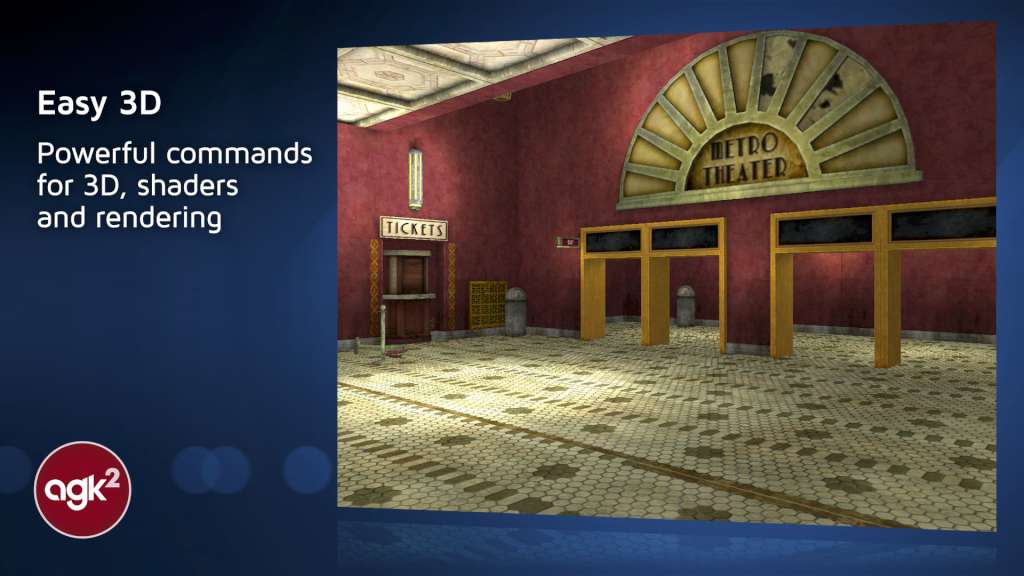
App Game Kit 2: Easy + Instant Game Development Steam CD Key

Spriter Pro Steam CD Key
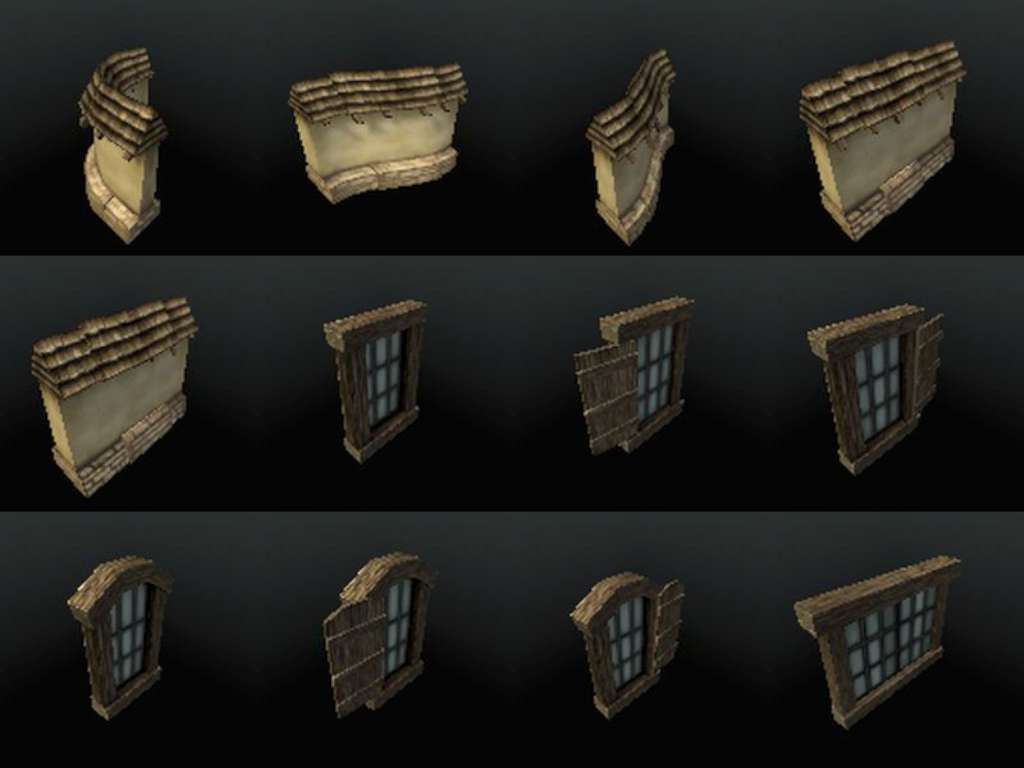
Axis Game Factory's AGFPRO v3 Complete Bundle PC Steam CD Key
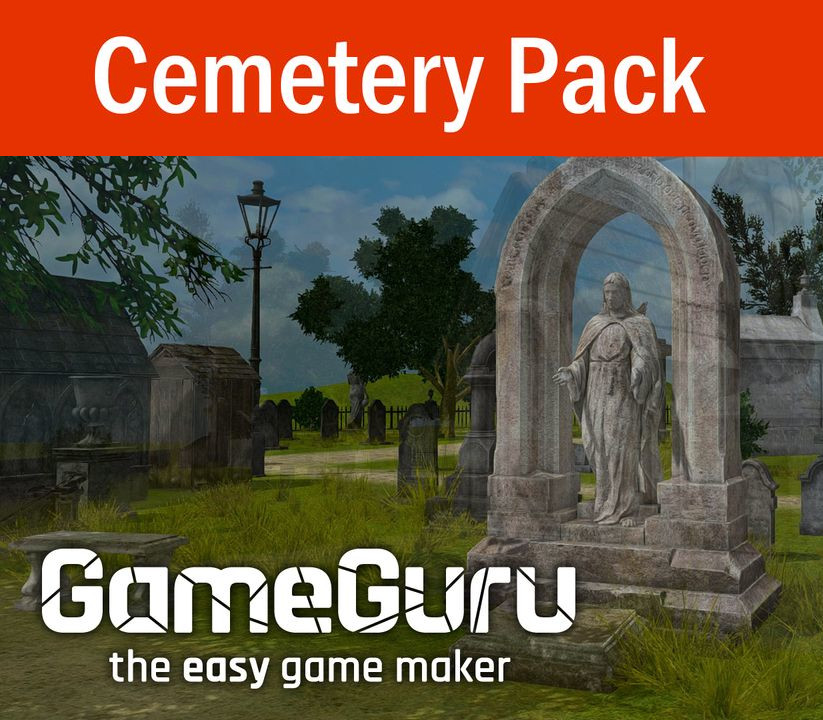
GameGuru - Cemetery Pack DLC Steam CD Key
You Can Kana - Learn Japanese Hiragana & Katakana Steam CD Key
Game Compressor PC Steam CD Key

iOS Exporter for Clickteam Fusion 2.5 DLC Steam CD Key

PD Artist 10 Steam CD Key
DisplayFusion Steam Gift
Reviews
No reviews yet — be the first to review this product.
Évaluez-nous surTrustpilotWrite a review
Sign in to leave a review