This is NOT a product key. We will create a NEW ACCOUNT for you with the content you purchased. Sign in to that account using the details provided in your Inventory. Applying any changes to the purchased account, such as adding a payment method or changing the region — ideally only change the password — may result in the account being banned. In such cases, no refund applies.
This is NOT a product key. You will be sent the credentials of A NEW Epic Games ACCOUNT. Sign in to the account using the details provided. You will be able to change the details once you have signed in.
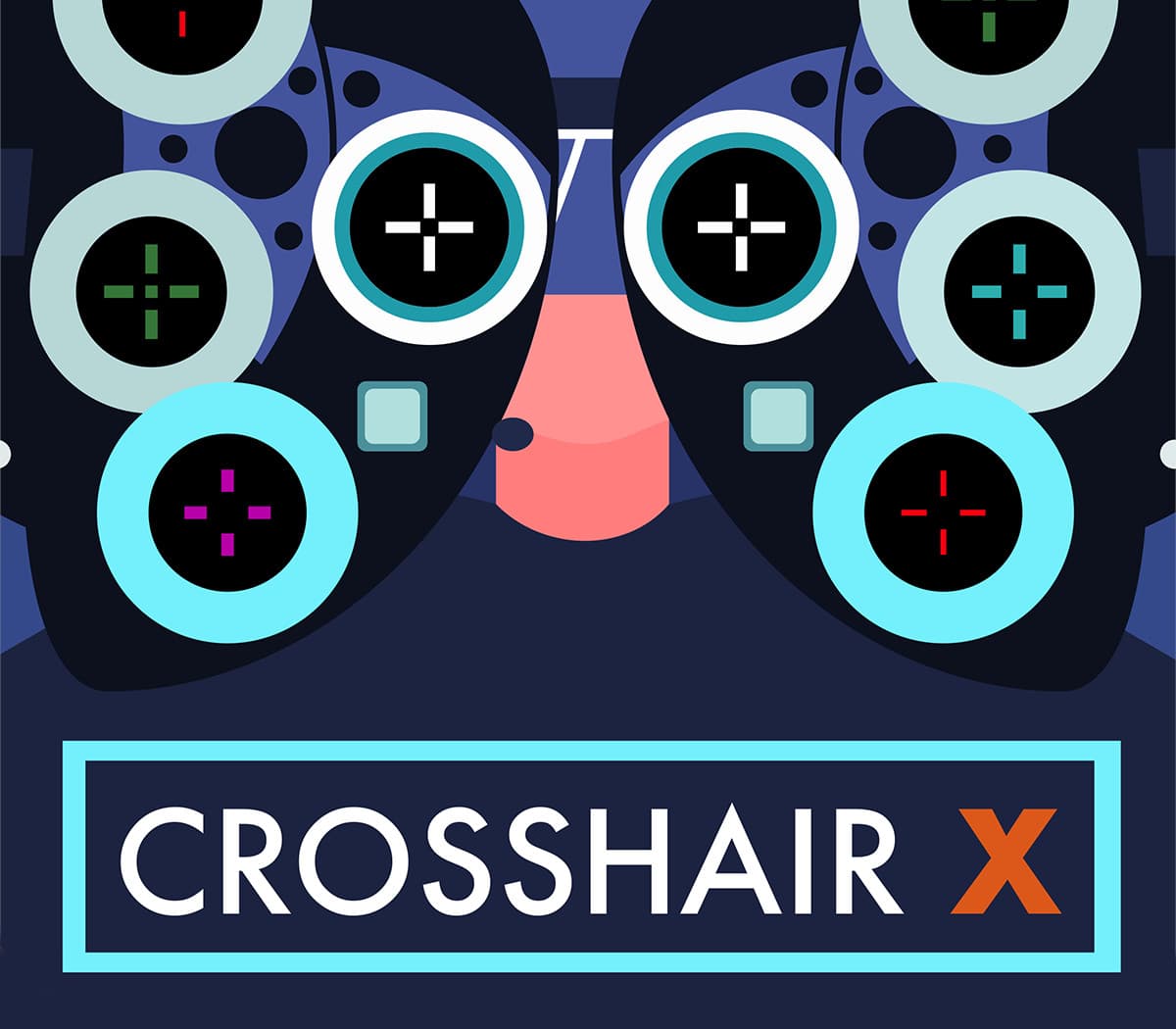
Crosshair X PC Epic Games Account
Account
Works in your region
United States
Instant delivery · key replacement
Verified for United States · human support
Description
Get a competitive edge by customizing your crosshair to be clear and precise on every game you play.
You can start out with a featured pro Crosshair or a community design, then make adjustments to create a custom gaming solution that takes your aim to the next level.
Features Community: Explore thousands of designs created by the Crosshair X community Designer: Easy to use sliders let you adjust all features of your crosshair Exclusive Fullscreen with Game Bar Extension: Game bar is a trusted and secure game overlay platform that is built by Microsoft for PC gamers.
This is by far the safest and most secure way to overlay games.
Share: Share your favorite designs with your friends Images: Upload any image you want to overlay as a Crosshair Toggle: Toggle the visibility of your crosshair with many different mouse states and keyboard shortcuts Positions: Display your crosshair on any monitor and manage saved positions for different games Export: Save your crosshair to your computer as a .PNG or .SVG Customization Options: Lines: Opacity, Length, Width, Offset, Color, Blur, Rotation Center dot: Opacity, Size, Color, Blur Outlines: Opacity, Thickness, Color, Blur T-Shape: Remove top Crosshair arm never, always, or only when firing Bloom: Make the crosshair spread apart when firing Location: Adjust the X and Y coordinates of the crosshair
Details
- Platform
Epic Games · PC
- Product type
- Account
- Region
- GLOBAL
- Genre
- Action, Adventure, Indie
- Developer
- CenterPoint Gaming
- Publisher
- CenterPoint Gaming
- Release Date
- 8/17/2020
- Languages
- 1

System Requirements
Windows
- MinimumOS: Windows 10
Activation Instructions
Use the credentials you received (directly or via an external website) and log into the account.
Make sure that the content on the account is correct (correct edition of the game, no playtime etc)
Change the credentials to make the account your own: Change the email Change the password Add 2FA The account should be used as a way of accessing the game/content you are interested in.
It is not recommended to use it as your main account, as you might have issues with making purchases on it.


