Abelssoft Recordify CD Key
Software
Works in your region
United States
Instant delivery · key replacement
Verified for United States · human support
Description
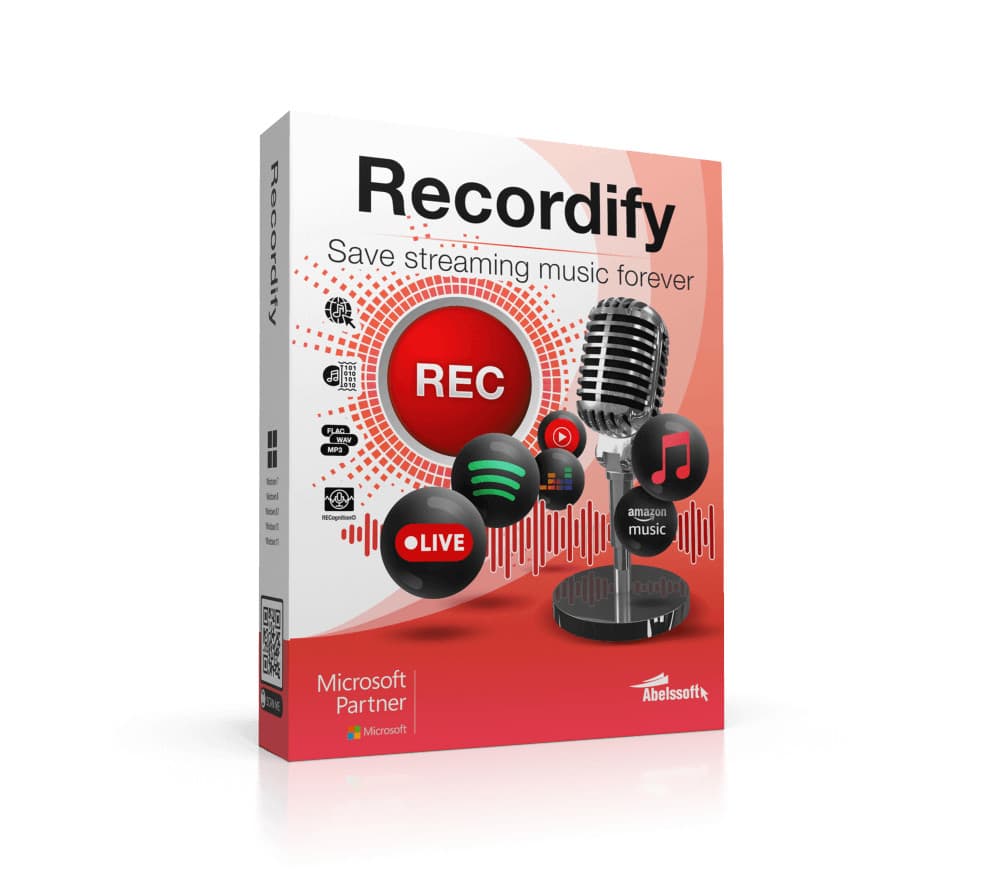
Features: Download music Whether it's a single song, or an entire playlist, Recordify can permanently record and download all songs.
RECognition technique Simply run through a playlist while Recordify recognizes each song, names the ID 3 tags, and saves them individually.
Save songs to hard disk Download your favorite songs directly to your hard drive and conveniently copy them back and forth.
Many file formats The recorded music can be saved as MP 3, WAV or high-quality FLAC file.
Integrated music player With the built-in music player, you can play your music directly in Recordify without being connected to the Internet.
Usable with many providers With Recordify you can easily record and store music from Spotify, Apple Music or even Amazon.
High quality The music quality depends on the source.
Recordify supports high quality audio up to 320 kbps.
Details
- Platform
Other · PC
- Product type
- Software
- Region
- GLOBAL
- Genre
- Software
- Languages
- 1

Activation Instructions
Download the software from www.abelssoft.de/en/windows/multimedia/recordify.
Install the software and run it once installed.
Register the software by entering required data: your email and your license key.
Note: The first time you register software you will be required to confirm your email address.
Click on the link in the email you received.
The email is often found in Spam.
You only need to confirm this once.
Once your email is confirmed, you can click on 'Done' to complete the registration.