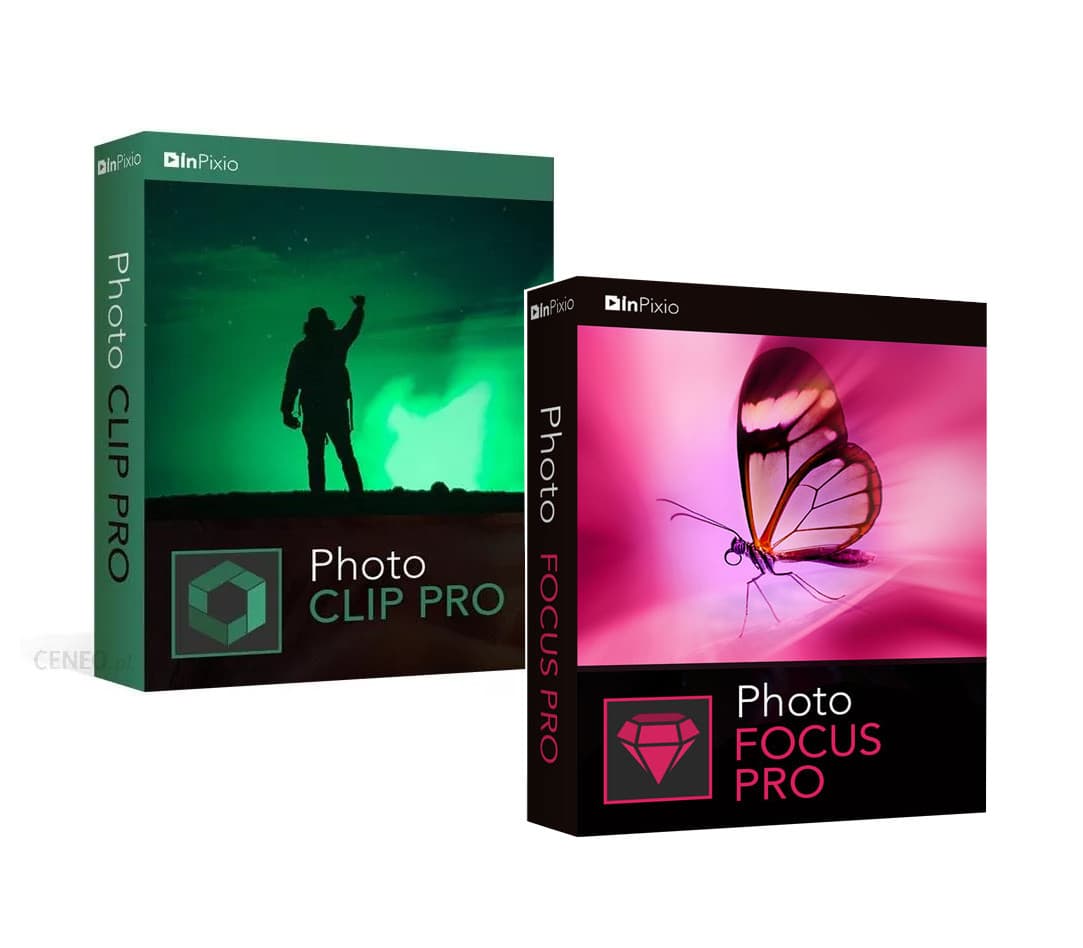
InPixio Photo Clip 9 Professional + Photo Focus 4 Pro Bundle Key
Software
Works in your region
United States
Instant delivery · key replacement
Verified for United States · human support
Description
Includes: In Pixio Photo Clip 9 Professional Photo Focus 4 Pro If you want to optimize and significantly improve your own photos, you should buy In Pixio Photo Clip 9 and increase the quality of your shots.
Due to the diverse use of the software, it is not difficult to resort to a good solution for your own systems and ensure good coordination with just a few clicks.
This makes it a good decision to buy In Pixio Photo Clip and rely on a professional application.
The variety of the application simplifies the review as well as the subsequent editing of images.
In this way, buying In Pixio Photo Clip 9 lets the user remove unwanted objects or shading with just a few clicks, to benefit from a complete image experience and a flawless appearance.
This includes removing texts, logos, watermarks and many other components that prevent a positive impression.
The touch-up function is also a competent tool in this regard.
Through it, specific elaborations and corrections can be made without any difficulty, making the images fit the chosen context even better.
Even for complex image areas, it becomes a good choice to buy In Pixio Photo Clip and keep an exact eye on the details.
It’s not always possible to prevent blurred photos — especially when taking random photos.
In Pixio Photo Focus Pro offers the tools to help you create clear, crisp, high-resolution photos.
Enhance the depth of focus of your images by adding sharpness, soft focus, and blurring and establishing a clear distinction between the image background and the image center.
Use the iris blurring tool to add selected blurring (Available with the pro version).
The selective brush tool, in combination with brightness/contrast, has been used to create the desired effect in the example below.
Features Fast and uncomplicated image editing Easy cropping of details Selection and assignment of suitable backgrounds Display in a wide variety of styles Removal of shading or watermarks Adaptation of all common color gradients Features of In Pixio Photo Focus Pro Save money with our software!
No need for expensive photography equipment!
Improve the overall focus of your images or refocus photos for great results.
Increase the sharpness of your photos or resharpen photos to produce a more professional look.
Sharpen your photos with just one click, or use the built-in preset buttons.
Creative filters create impressive effects for ultimate focus and picture quality.
Resharpen your photos with the easy-to-use 1-Click sharpness tool.
You can compare the photos before and after you have enhanced them.
Use a range of creative filters to enhance the quality and focus of your images.
Details
- Platform
Other · PC
- Product type
- Software
- Region
- GLOBAL
- Genre
- Software
- Languages
- 1

System Requirements
Windows
- OSWindows 10, Windows 8, Windows 8.1, Windows 7 Processor: Processor Intel or AMD RAM: 2 GB RAM Hard Disk: 250 MB hard disk space
Activation Instructions
Download the software from the official website: filecdn.inpixio.com/Photo_Clip/ML/inPixioPhotoClip9.exe filecdn.inpixio.com/Photo_Focus/ML/InPixioPhotoFocus3.0_TR_DM.exe Install and run it.
Click on the "Cart" icon in the top right corner. Click On Activate.
Enter the code received.