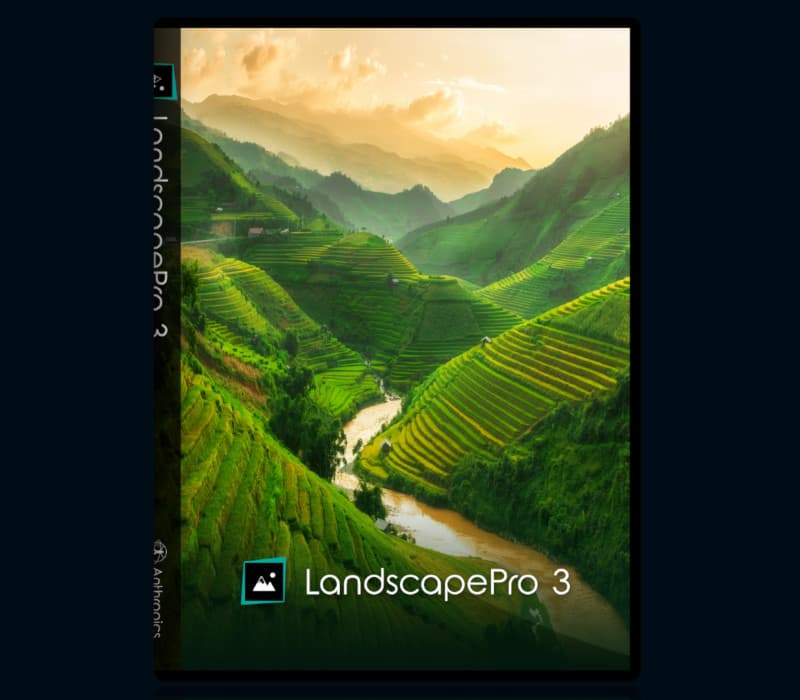
LandscapePro 3 CD Key
Software
Works in your region
United States
Instant delivery · key replacement
Verified for United States · human support
Description
Intelligent landscape editing that offers you specific tools that match your image.
Features Advanced image recognition technology Landscape Pro 3 is better than ever at detecting features in your landscape.
Simply drop the labels in place and the software finds the areas automatically.
Less manual selection means you can edit your images in no time.
New!
Atmosphere Enhance landscape photos with atmospheric effects such as rain, fog, lens flare and more.
Weather features adapt to your landscape and are reactive to objects and distance, allowing them to blend perfectly with your scene.
New!
Remove Objects Remove unwanted objects from your landscape in seconds.
First, paint over the object you want to remove with the Clone brush then simply choose what you would like to replace it with.
All New Skies A brand new selection of skies ready to enhance your outdoor photographs.
Choose from one of over 150 in the built-in library or import one of your own.
You can now also flip skies horizontally giving you even more options.
Overlay With the new overlay tools, you can add a layer on top of your original image.
Protect your photography online by adding your own logo or watermark.
Sharpen and Clarity Easily correct focus and texture with new Sharpen and Clarity sliders.
Each section now has its own set of sliders so you can adjust all of the elements of your image independently for the perfect result.
Smart Filter Capability Streamline your workflow with new Smart Filter capability.
Switch easily between Photoshop and Landscape Pro for even easier and more personalised editing that suits your style.
Exclusive to Landscape Pro Studio 3 and Landscape Pro Studio Max 3.
Improved Straightening Tools The addition of a new perspective warp means you now get even more natural results when straightening images.
Easily fix bad angles in no time and rescue images you otherwise would have discarded.
Details
- Platform
Other · PC
- Product type
- Software
- Region
- GLOBAL
- Genre
- Software
- Developer
- Anthropics
- Publisher
- Anthropics
- Languages
- 5


System Requirements
Windows
- OSWindows 10, Windows 8, Windows 7
Mac
- OSmacOS (10.11 or later)
Activation Instructions
Go to this www.anthropics.com/licenses/. Enter your key.
You can choose what software version (PC or macOS) you prefer.
Download your software and activate your key again.
Your software is activated.