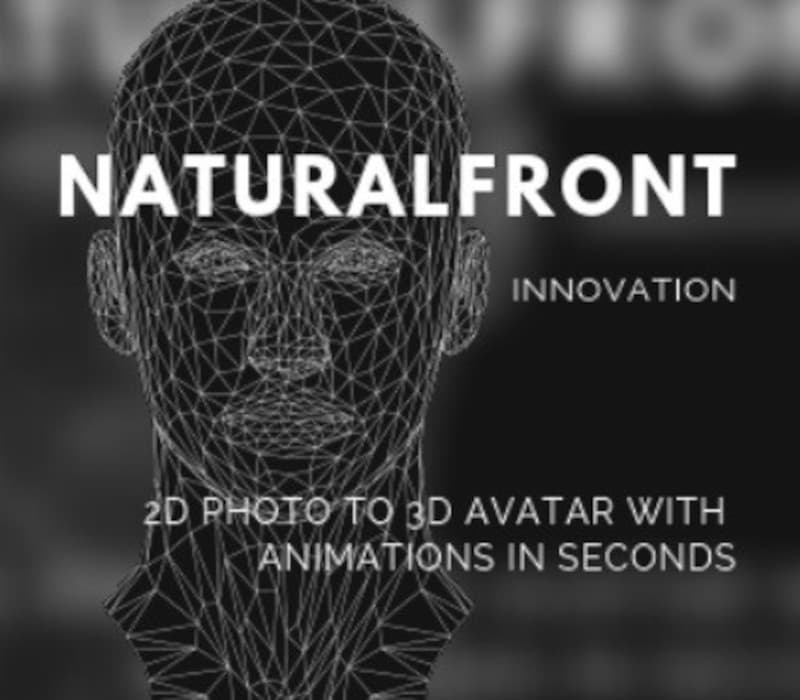
NaturalFront 3D Face Animation Plugin - Indie & Academic for MAC CD Key
Software
Works in your region
United States
Important Notices
Instant delivery · key replacement
Verified for United States · human support
Description
* Package only works with Unity 5.6, and only on Mac * If you are under-funded or under-trained, and want professional 3 D-face-animation in a tiny fraction of time and cost, this is the asset for you.
The software empowers pros and novices alike to vastly cut down the cost and time in animating expressive 3 D characters.
You can very easily create custom-built, realistic 3 D heads, as many as you want.
Once created, the 3 D-models will automatically have professional-quality 3 D animation built-in.
Without any need for rigging, morphing, key-framing or motion capture, you can instantly get expressions and mouth-shapes you want, and blend them together, all by a few simple mouse-clicks.
It is so simple and intuitive that it is no more difficult than getting your own face to generate expressions and talk.
This Indie & Academic-version * will enable users to export customized high-quality 3 D-heads and unlimited realistic animation to FBX files.
The 3 D-models and animation can instantly run in other 3 D apps and be imported into other scenes of Unity. * will complete modeling, animation and exporting within Unity. * is only for indie and academic users who like to run a less costly version on an old Unity version, and in no realtime; thus is not recommended for Pro usage.
Details
- Platform
Other · PC
- Product type
- Software
- Region
- GLOBAL
- Genre
- Software
- Developer
- NaturalFront
- Publisher
- NaturalFront
- Languages
- 1

System Requirements
Mac
- 4-core i7/i5 CPU, or their equivalence; 2GHz; 64-bit OS; 4GB RAM.
Activation Instructions
Download Unity Hub and install it on your PC.
Select the Settings button from the top right of the Hub.
The Preferences window appears.
Select License Management from the list on the left.
If you see a message at the bottom of the window warning you that you need to be logged in to manage your license, select the LOGIN button from the bottom right and then enter your Unity ID and password.Important: You can’t activate your license in the Unity Hub unless you are signed into your Unity ID.
Select the ACTIVATE NEW LICENSE button.
The New License Activation window appears.
Select which license type you are activating and enter the Key. Click DONE.
Unity displays a success message.