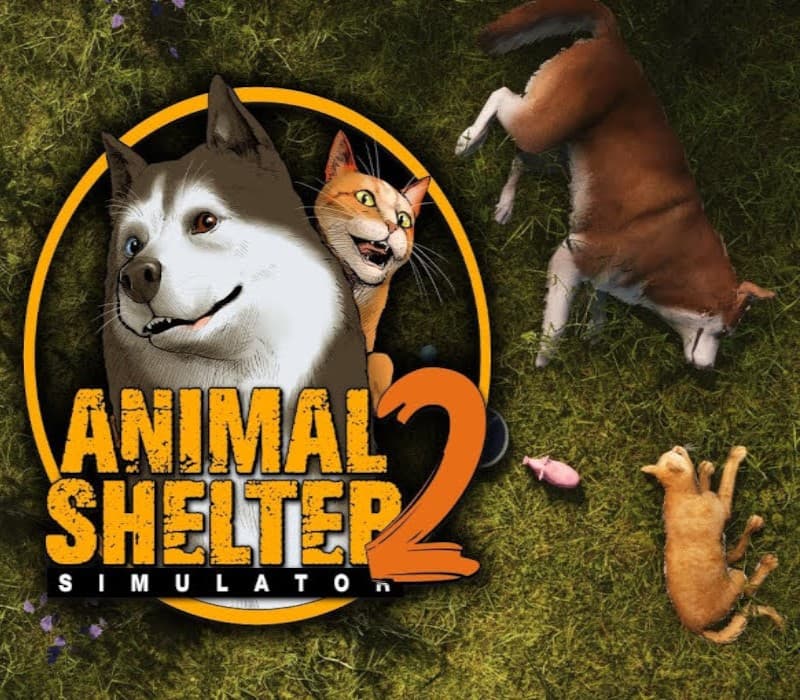
Animal Shelter 2 EU PC Steam CD Key
Does not activate in United States
Activates in Europe
Instant delivery · key replacement
Verified for United States · human support
Description
Our four-legged friends need your help!
Animal Shelter Simulator 2 comes with more animals that need your help.
You will need to provide them with a clean, safe environment, as well as food and water and, most importantly, lots of love.
Thankfully, you won’t be alone this time!
Grow your shelter with new employees!
Managing a whole shelter by yourself is a tough job!
Good thing you’ve got the help of skilled workers that can take on some of the responsibilities.
Remember – managing people is not easy either!
Play with your friends in co-op with up to 6 players!
Everything is always more fun with friends!
Invite your friends to work on your shelter and find the perfect homes for your animals together!
Emote, interact and have fun, all the while being surrounded by beautiful scenery and cute animals.
Help animals find their forever homes!
The adoption process requires a lot of patience.
It is important to pick the correct pet for the right person, and vice versa!
In Animal Shelter Simulator 2, the potential adopters will be able to visit the shelter and see the pets for themselves before they make up their mind about them.
Remember that a lot of things can impact the chance of an adoption: the animal’s traits, their current state, and even the state of the shelter itself!
Maintain the shelter and enjoy its beauty!
Your shelter is located in a picturesque little town surrounded by the forest and mountains.
Make sure that it fits right in among the beautiful scenery – keep it clean and upgrade its features regularly!
Enjoy the view of it both during the day and at night!
Meet your new furry friends Pet them, play with them, even dress them up!
The Animal Shelter is back and its residents are full of life and always eager to interact with you.
Make sure that all their needs are met and that they are healthy, and they will repay you with lots of love!
Details
- Platform
Steam · PC
- Product type
- CD_KEY
- Region
- EU
- Genre
- Adventure, Casual, Indie, Simulation
- Developer
- Games Incubator
- Publisher
- Games Incubator
- Release Date
- 7/23/2025
- Languages
- 12


System Requirements
Windows
- MinimumRequires a 64-bit processor and operating system OS: Windows 10 64 Bit Processor: Intel Core i3-4130 / AMD Ryzen 3 1200 Memory: 8 GB RAM Graphics: NVidia GeForce GTX 960 / Radeon R9 280X DirectX: Version 11 Storage: 18 GB available space
How to activate your key on Steam
Go to: store.steampowered.com/ and download STEAM client Click "Install Steam" (from the upper right corner)
Install and start application, login with your Account name and Password (create one if you don't have).
Please follow these instructions to activate a new retail purchase on Steam: Launch Steam and log into your Steam account.
Click the Games Menu.
Choose Activate a Product on Steam...
Follow the onscreen instructions to complete the process.
After successful code verification go to the "LIBRARY" tab and start downloading.