BeamNG.drive EU PC Steam Altergift
Altergift
Does not activate in United States
Activates in Europe
Instant delivery · key replacement
We check the region before you pay · Human support
Description
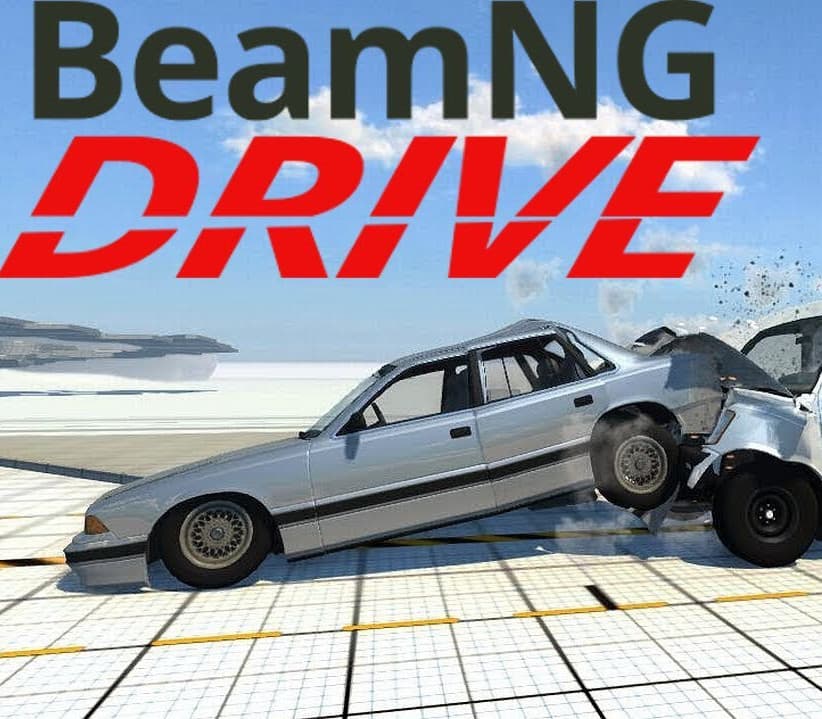
Beam NG.drive is a realistic, immersive driving game offering near-limitless possibilities.
Our soft-body physics engine simulates every component of a vehicle in real time, resulting in realistic, dynamic behavior.
The driving feel is authentic and visceral, and crashes are realistic and violent; yet the physics are accessible enough to drive with a keyboard or gamepad while still being authentic with a full racing wheel with uncompromising realism.
Environments and vehicles in Beam NG.drive are hand-crafted with passionate attention to detail.
With years of meticulous design, research, and experience, we authentically recreate the feeling and excitement of real world driving.
We are a small team from around the world with no obligations to publishers or outside interests.
Our users and modding community are our first priority.
Help us make Beam NG.drive the ultimate driving experience and discover what an open and uncompromising soft-body vehicle simulator can be.
Features All future updates to Beam NG.drive included for free (alpha, beta), also including the final game Soft-body physics sandbox 7 detailed, customizable, destructible vehicles, with more to come 7 terrains to explore and drive across, with more to come Frequent updates adding terrains, vehicles, features, gameplay, and bug fixes Full modding and content creation capabilities - make maps and vehicles, and script gameplay Use the built-in terrain editor and any 3 D modeling, image editing, and text editing software Online authentication is only necessary to update; the game itself does not need an internet connection to run.
Exclusive access to a section of our forum where you can talk directly to the devs and report bugs, suggest features, etc.
The exclusive forum section also contains 3 rd-party content, including vehicles and terrains.
In addition, you get a little Beam NG.drive logo under your avatar on the Beam NG forums
Details
- Platform
Steam · PC
- Product type
- Altergift
- Region
- EU
- Genre
- Sport, Simulation
- Developer
- BeamNG
- Publisher
- BeamNG
- Release Date
- 5/29/2015
- Languages
- 3


System Requirements
Windows
- OSWindows 7 Processor: Dual-core processor Memory: 2 GB RAM Graphics: Dedicated graphics card DirectX: Version 9.0c Network: Broadband Internet connection Hard Drive: 4 GB available space Additional Notes: May run on Windows XP, but is not supported
How to activate your key on Steam
Open store.steampowered.com and click Install Steam (top-right). Download and run the installer.
Launch Steam, sign in, or create a free Steam account if you do not have one yet.
From the menu bar choose Games → Activate a Product on Steam….
Follow the prompts and enter your product key when asked.
After the key is verified, open LIBRARY, select your title, and click Install to download.