Gurumin: A Monstrous Adventure Steam CD Key
Works in your region
United States
Instant delivery · key replacement
Verified for United States · human support
Description
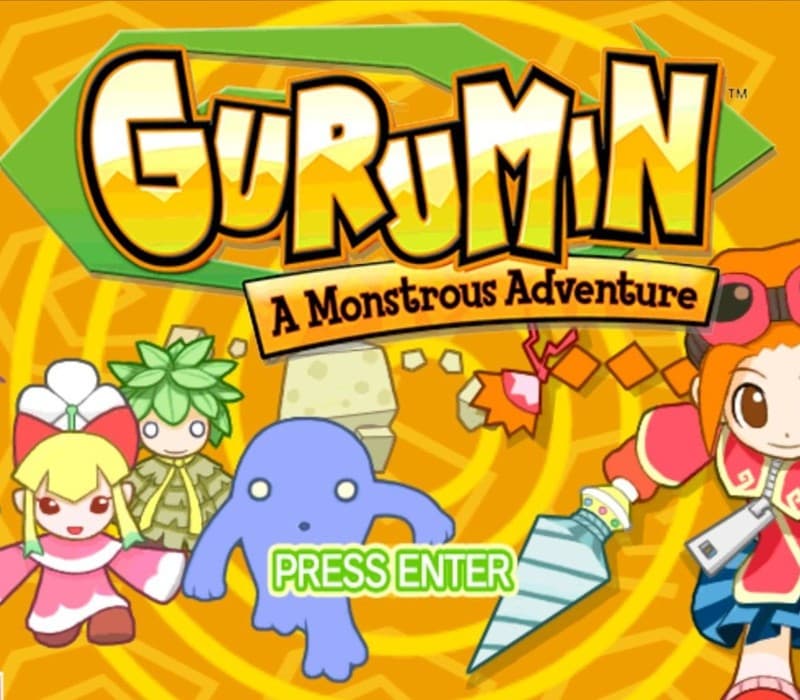
Gurumin: A Monstrous Adventure is a fantastic Action-RPG from leading Japanese developer Falcom (Developers of “Ys” and “Zwei” among other classics) featuring real-time combat, stunning 3 D graphics, tons of fully voiced characters and mini-games , 90+ items, multiple endings, a rocking soundtrack, 35+ hours of playtime, and more.
Originally released outside Japan on Sony’s PSP®, Mastiff is proud to bring a fully localized and updated version of Gurumin: A Monstrous Adventure to Windows and to offer it through Steam with a full set of Steam specific features including Achievements, Trading Cards, Big Picture and Cloud Save.
Gurumin stars Parin, a strong-willed girl sent to live with her grandfather in a small mining town.
Parin soon discovers an invisible monster village hidden behind her home.
She is quickly drawn into a fight between the village’s friendly monster residents and the Phantoms, evil monsters that want to destroy them.
Learning of a weapon hidden underneath the village that she alone is fit to wield, Parin embarks on a quest to stop the Phantoms and make the world right.
Features 30 stages of non-linear game play 23 non-player characters, 48 unique enemies, and more than 90 items to collect Brilliantly diabolical dungeons, traps, puzzles and boss encounters Mini-games galore! 5 difficulty levels Hidden characters, modes, and other secrets Supports Windows XP, 7 and 8 at high resolution (up to 1920 x 1080) and with modern Anti-aliasing (up to 8 X MSAA) Full Steam support including: Achievements, Steam Cloud, Big Picture mode, and...
Beautiful Steam Trading Cards
Details
- Platform
Steam · PC
- Product type
- CD_KEY
- Region
- GLOBAL
- Genre
- Action, Adventure, RPG
- Developer
- Nihon Falcom
- Publisher
- Mastiff
- Release Date
- 3/30/2015
- Languages
- 1

System Requirements
Windows
- OSWindows XP Processor: Pentium III 800 MHz Memory: 1 GB RAM Graphics: 64 MB VRAM, 3D accelerator compatible w/ DirectX 9.0c DirectX: Version 9.0c Hard Drive: 2 GB available space Sound Card: Compatible with DirectX 9.0c
How to activate your key on Steam
Go to: store.steampowered.com/ and download STEAM client Click "Install Steam" (from the upper right corner)
Install and start application, login with your Account name and Password (create one if you don't have).
Please follow these instructions to activate a new retail purchase on Steam: Launch Steam and log into your Steam account.
Click the Games Menu.
Choose Activate a Product on Steam...
Follow the onscreen instructions to complete the process.
After successful code verification go to the "MY GAMES" tab and start downloading.