Illwinter's Floorplan Generator Steam CD Key
Works in your region
United States
Instant delivery · key replacement
Verified for United States · human support
Description
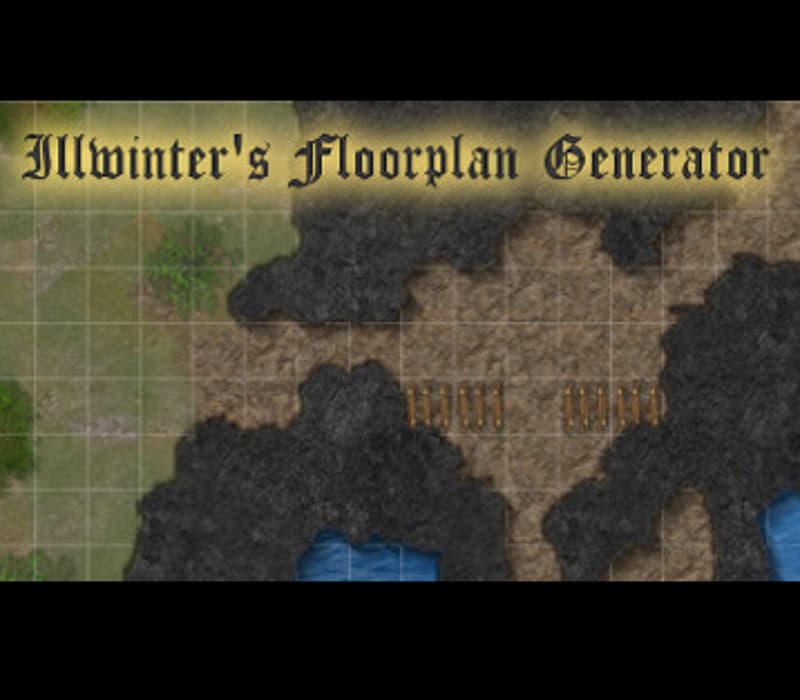
Illwinter's Floorplan Generator is a grid based dungeon and wilderness floorplan creator.
The floorplan generator can be used to quickly draw and print an encounter floorplan for your favorite pen and paper roleplaying game.
It is very quick and easy to create a simple floorplan, you just select what terrain type each square should be and the program fixes the rest.
E.g. a cave wall next to a rocky ground will automatically create a jagged wall, but the same cave wall next to a marble floor would create a much smoother wall because this is likely to be an indoor room with polished walls.
Features About 50 different terrain types to choose from Icons included for the most common objects, e.g. doors, stairs, tables, beds, trees, bushes, pentagrams Color maps or old school black and white style Adjacent terrains interact automatically to create jagged edges, smooth transitions and shadows when necessary Random fractals used to create shapes for cave walls, rivers and other non regular terrains Create a multi-page pdf with the dungeon divided into pages suitable for printing Export dungeon as a single png suitable for roll 20 and similar applications Configurable square and paper sizes, (default is 1 inch squares on A 4 pages) Outdoor and dungeon shadows with configurable strength Export to your favorite paint program for finishing touches Import your own icons Create new terrain types from imported images Configurable grid, default is to not draw it on top of walls and with thicker lines between pages Grid based, terrain is placed in squares or on square edges (icons can be placed and rotated freely) Shortcuts to quickly put a random door, tree or bush in a square Dungeon layout can be imported from a simple ASCII text file, like this http://www.illwinter.com/floorplan/ss/ascii.jpg Create random dungeons automatically Editor to create rules for your own random dungeon Color dungeons can be converted to Black & White style dungeons automatically Steam workshop support
Details
- Platform
Steam · PC
- Product type
- CD_KEY
- Region
- GLOBAL
- Genre
- Platformer
- Developer
- Illwinter Game Design
- Publisher
- Illwinter Game Design
- Release Date
- 5/4/2018
- Languages
- 1

System Requirements
Windows
- OSwin 7 or later Processor: Intel Core 2 Duo or better Memory: 4 GB RAM Storage: 200 MB available space
Mac
- OS10.12 or later Processor: Intel Core 2 Duo or better Memory: 4 GB RAM Storage: 200 MB available space
Linux
- OSany 32- or 64-bit distro that can run Steam Processor: Intel Core 2 Duo or better Memory: 4 GB RAM Storage: 200 MB available space
How to activate your key on Steam
Open store.steampowered.com and click Install Steam (top-right). Download and run the installer.
Launch Steam, sign in, or create a free Steam account if you do not have one yet.
From the menu bar choose Games → Activate a Product on Steam….
Follow the prompts and enter your product key when asked.
After the key is verified, open LIBRARY, select your title, and click Install to download.