Liquor Store Simulator PC Steam CD Key (valid until June 2027)
Works in your region
United States
Instant delivery · key replacement
Verified for United States · human support
Description
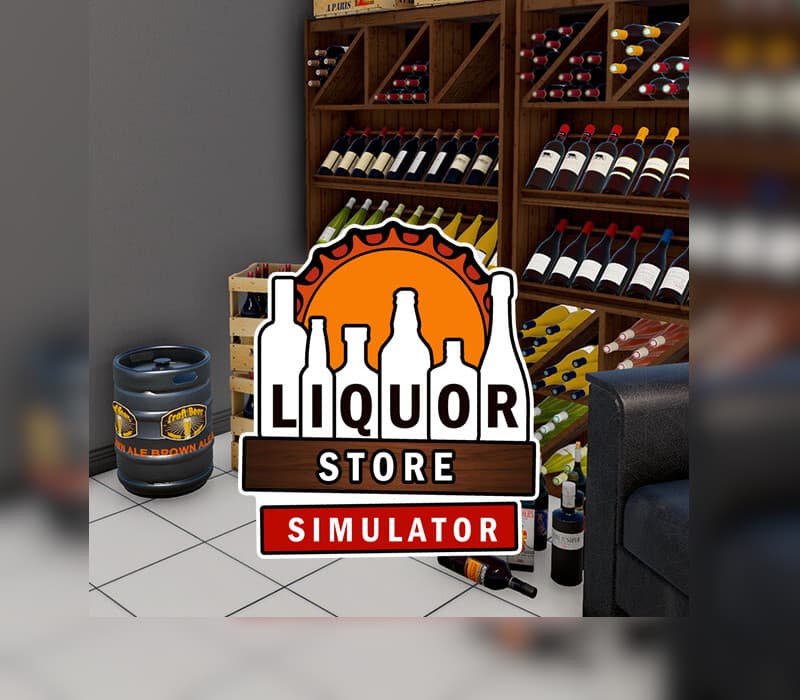
Liquor Store Simulator is a simulation game about developing your own store.
You start your business in a small shop that you bought on credit.
At first, it won’t be easy—you’ll have to work at the checkout yourself, accept deliveries, keep records, and maintain order in the sales area.
But hard work and smart decisions will help you turn a modest retail outlet into a thriving store with a wide selection and satisfied customers.
Management Purchase goods, arrange retail equipment as you see fit.
Draft Beer Feel like a bartender.
Pour customers the beer they desire.
Staff Management At first, you’ll have to do everything yourself.
But as your store grows, you won’t be able to handle it alone.
Hire employees for efficient store management.
Customization Change the color of walls, ceilings, and floors.
Make your store unique and unlike any other.
Details
- Platform
Steam · PC
- Product type
- CD_KEY
- Region
- GLOBAL
- Genre
- Casual, Indie, Simulation
- Developer
- Tovarishch Games
- Publisher
- PlayWay S.A.
- Release Date
- 5/2/2025
- Languages
- 12


System Requirements
Windows
- MinimumOS: Windows 10 64bit or newer Processor: Intel Core i5 4690 / AMD Ryzen 3 1200X Memory: 16 GB RAM Graphics: NVIDIA GTX 1050 Ti 4GB or equivalent DirectX: Version 11 Storage: 5 GB available space
How to activate your key on Steam
Open store.steampowered.com and click Install Steam (top-right). Download and run the installer.
Launch Steam, sign in, or create a free Steam account if you do not have one yet.
From the menu bar choose Games → Activate a Product on Steam….
Follow the prompts and enter your product key when asked.
After the key is verified, open LIBRARY, select your title, and click Install to download.