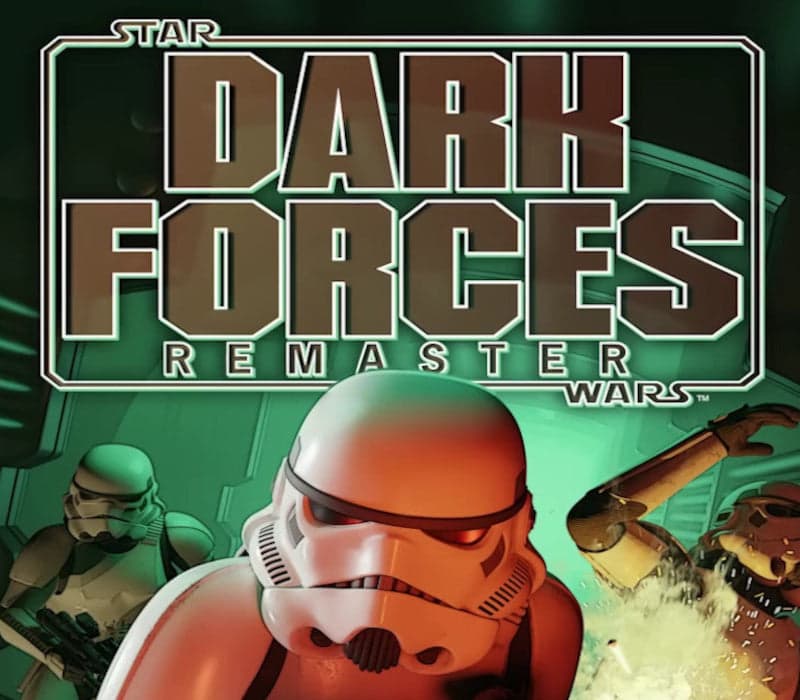
Star Wars: Dark Forces Remaster Steam CD Key
Works in your region
United States
Instant delivery · key replacement
Verified for United States · human support
Description
Star Wars: Dark Forces Remaster has been brought to life by the team at Nightdive Studios, fully remastered through its proprietary KEX engine, allowing the game to run on modern gaming devices at up to 4 K resolution at 120 FPS.
New and returning players will enjoy Star Wars: Dark Forces Remaster’s upgraded gameplay, high-resolution textures, enhanced lighting and rendering, and support for gamepads.The original 1995 Star Wars: Dark Forces raised the bar for FPS games, offering players a significant degree of movement and interactivity, a large selection of items and power-ups, and engaging environments.In the first Star Wars FPS video game, players assume the role of Kyle Katarn, a defector of the Galactic Empire turned mercenary for hire.
Katarn joins the Rebel Alliance’s covert operations division tasked with infiltrating the Galactic Empire, where he discovers the secret Dark Trooper Project.
The development of this powerful new series of Imperial battle droids and power-armored stormtroopers stands to strengthen the Empire’s grip on the galaxy unless Katarn and the Rebel Alliance intervene.
Features All fourteen original levels, featuring Star Wars™ worlds and capital ships Use your ability to jump, duck, and crawl to solve puzzles and defeat enemies Your Personal Digital Assistant provides you with in game information such including map, inventory, and mission briefing Engaging first-person ground combat featuring ten weapons and twenty types of enemies Up to 4 K 120 FPS visuals Advanced 3 D rendering enables updated lighting and atmospheric effects Modern gamepad support adds a new weapon wheel, and rumble Controller Support - vibration and gyro controls A variety of power-ups are made available to the player, including health, shields, weapons and ammunition For combat, the player may use fists, explosive landmines and thermal detonators, as well as blasters and other ranged weapons Includes immersive environmental puzzles and mazes
Details
- Platform
Steam · PC
- Product type
- CD_KEY
- Region
- GLOBAL
- Genre
- Action
- Developer
- Nightdive Studios
- Publisher
- Nightdive Studios
- Release Date
- 2/28/2024
- Metacritic Score
- 79/100
- Languages
- 5


System Requirements
Windows
- Requires a 64-bit processor and operating system OS: Windows 7 (64-bit required) Processor: Intel or AMD Dual-Core at 2.0 GHz Memory: 2 GB RAM Graphics: GPU with DirectX 11 or Vulkan 1.1 support Storage: 420 MB available space Sound Card: 100% DirectX compatible sound card or onboard sound
How to activate your key on Steam
Go to: store.steampowered.com/ and download STEAM client Click "Install Steam" (from the upper right corner)
Install and start application, login with your Account name and Password (create one if you don't have).
Please follow these instructions to activate a new retail purchase on Steam: Launch Steam and log into your Steam account.
Click the Games Menu.
Choose Activate a Product on Steam...
Follow the onscreen instructions to complete the process.
After successful code verification go to the "LIBRARY" tab and start downloading.