Struggling Steam CD Key
Works in your region
United States
Instant delivery · key replacement
Verified for United States · human support
Description
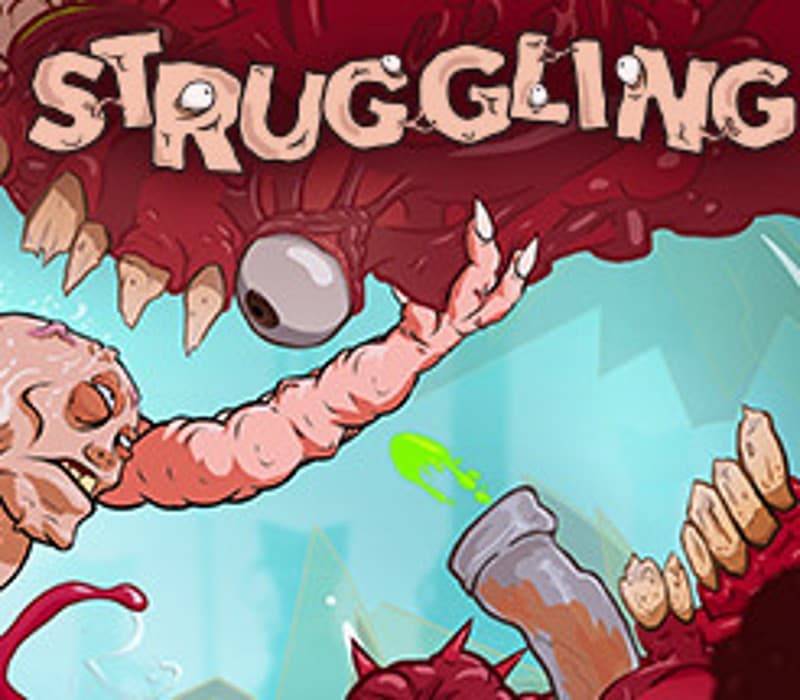
Struggling is a physics-based co-op platformer with a twisted spin on teamwork.
Control the arms of a squishy abomination and guide it through a deranged world where anything goes.
Outrun ravenous rats, joyride a dirt bike, and vault over pools of unmentionable waste.
One thing’s certain: you will struggle.
Two hideous heads are better than one Inventive co-op will test the firmest of friendships.
Grab a partner and work together by controlling one arm each.
When even walking takes a combined effort, communication is key to keeping your cool.
Crawl, swing, clamber, and slide to victory Manipulate each arm independently and latch onto literally anything you see, from suspicious levers to dangling eyeballs.
Triumph over physics-based challenges, or get your arms ripped off in the process (don’t worry, they grow back).
Details
- Platform
Steam · PC
- Product type
- CD_KEY
- Region
- GLOBAL
- Genre
- Action, Adventure, Indie, Casual
- Developer
- Chasing Rats Games
- Publisher
- Chasing Rats Games
- Release Date
- 8/27/2020
- Metacritic Score
- 65/100
- Languages
- 11


System Requirements
Windows
- Requires a 64-bit processor and operating system OS: 64-bit Windows 7+SP1 Processor: Intel Core2 Q6600 AMD A6 3620 Memory: 4 GB RAM Graphics: Nvidia GT 340 AMD Radeon HD 7640 Intel HD 4400 Storage: 2 GB available space
How to activate your key on Steam
Open store.steampowered.com and click Install Steam (top-right). Download and run the installer.
Launch Steam, sign in, or create a free Steam account if you do not have one yet.
From the menu bar choose Games → Activate a Product on Steam….
Follow the prompts and enter your product key when asked.
After the key is verified, open LIBRARY, select your title, and click Install to download.