The Exit 8 PC Steam Altergift
Altergift
Works in your region
United States
Instant delivery · key replacement
Verified for United States · human support
Description
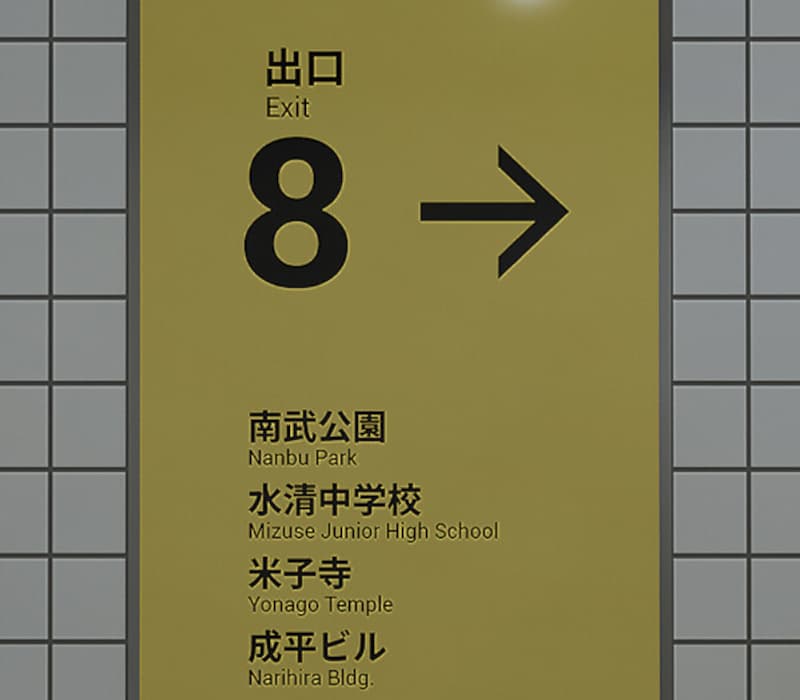
The Exit 8 is a short walking simulator inspired by Japanese underground passageways, liminal spaces and back rooms.The game is only available in Japanese and English, but if you understand the above description of the anomaly, you can probably play it all the way through.
Graphics settings, mouse sensitivity, camera shake, and other settings can be configured from the options.If you are easily intoxicated, changing the following settings may help.
Camera shake The camera shakes when you walk or run, but if you set the value to 0.0, the camera will not shake.
Camera Acceleration If you set the maximum value to 30.0, the camera will move without delay.
Camera Sensitivity If the sensitivity is high, the camera will move significantly when the mouse is moved.
Adjust the value if you find it difficult to operate the camera with the default value of 1.
Motion Blur Afterimages will appear when the camera is moved.
Recommended to disable at 30 FPS Preset Set the overall graphic settings.If you do not have sufficient specs, it is better to set it to "Low" to avoid sickness.
Details
- Platform
Steam · PC
- Product type
- Altergift
- Region
- GLOBAL
- Genre
- Adventure, Indie, Simulation
- Developer
- KOTAKE CREATE
- Publisher
- PLAYISM
- Release Date
- 11/29/2023
- Languages
- 9


System Requirements
Windows
- MinimumRequires a 64-bit processor and operating system OS: Windows 10 64bit Processor: intel Core i7 4770 Memory: 8GB RAM MB RAM Graphics: NVIDIA GeForce GTX 970 DirectX: Version 11 Storage: 2 GB available space
How to activate your key on Steam
Open store.steampowered.com and click Install Steam (top-right). Download and run the installer.
Launch Steam, sign in, or create a free Steam account if you do not have one yet.
From the menu bar choose Games → Activate a Product on Steam….
Follow the prompts and enter your product key when asked.
After the key is verified, open LIBRARY, select your title, and click Install to download.